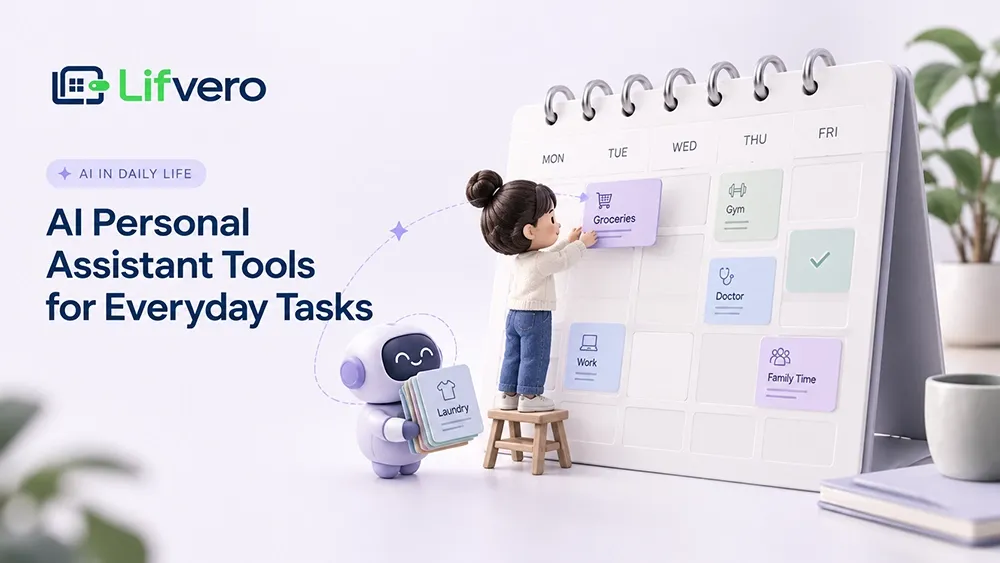
Keeping up with daily life can feel harder than it should. Between unfinished tasks, scattered notes, appointments, and small responsibilities, it is easy to spend more time organizing your day than actually getting things done. Trying to keep everything in your head can add unnecessary mental pressure, which is why many people look for the best AI personal assistant to help them stay organized. The right tool should reduce cognitive load, not become another chore to maintain.
However, AI assistants are not one-size-fits-all. Some help organize ideas and clarify messy tasks, while others break overwhelming projects into manageable steps or arrange schedules around existing commitments. Choosing an AI personal assistant for daily life means understanding what each tool does well, where it falls short, and whether its features justify the extra complexity.
In this guide, we compare practical AI tools for everyday tasks, examine their key limitations and free-plan restrictions, and explain how to build a simple, sustainable planning system without adding unnecessary apps to your routine.
What Makes a Good AI Personal Assistant?
A useful AI assistant is not necessarily the most powerful one. When choosing the best personal assistant AI, focus on whether it makes everyday tasks easier without requiring constant prompting or complicated setup. A good AI assistant for daily tasks should understand informal notes, help organize scattered thoughts, and provide useful responses that are easy to review. Depending on your needs, calendar integration, conversational memory, and simple task-management features may also make a difference.
AI is becoming part of everyday decision-making, but usefulness matters more than novelty. The broader conversation around AI and Society also highlights why people should consider how these tools affect daily life, privacy, and human judgment. In practice, a good assistant should save time, communicate its limitations, and leave important decisions in your hands.
What Can an AI Assistant Do in Everyday Life?
AI assistants can help with much more than answering questions. You can use them to draft routine emails, summarize lengthy messages, turn meeting notes into actionable checklists, or break a complicated task into smaller steps. For students, they can help organize research and clarify difficult concepts; for professionals, they can simplify repetitive administrative work and prepare a starting point for everyday tasks.
Some tools can also help structure a daily routine, while dedicated scheduling apps can place tasks into a calendar and adjust plans around existing commitments. The right choice depends on whether you need help thinking through a task, organizing your workload, or managing your time.
Productivity Tip: Treat an AI assistant as a thinking and organizing aid, not an autonomous manager. Review dates, numbers, and deadlines before relying on its suggestions.
The Best AI Personal Assistant Tools Compared

Choosing the best AI personal assistant depends on what you need help with. Some tools organize scattered thoughts and daily tasks, while others break down complex projects, manage calendar time, or summarize research. The following comparison focuses on practical uses, key differences, and limitations to help you choose useful AI tools for everyday tasks without adding unnecessary complexity to your routine.
1. ChatGPT, Gemini, and Grok (General-Purpose Assistants)
For people looking for the best AI assistant, ChatGPT, Gemini, and Grok offer flexible everyday support. To learn how to use ChatGPT to plan your day, turn unstructured notes into priorities with a ChatGPT daily planner prompt. This can support ChatGPT for daily task management, help you create a routine, or organize personal responsibilities. You can also outline an AI budget planner workflow, but always verify financial details.
Google Gemini can be useful for people who already rely on Google's ecosystem. Google Gemini for daily planning can help organize commitments, while Gemini AI for everyday tasks can summarize information and group priorities. If you're exploring how to use Gemini as a personal assistant or organize daily tasks, provide your commitments and ask Gemini to sort them by urgency and importance.
People exploring how to use Grok for everyday tasks can use it to brainstorm, summarize information, and organize ideas. As a Grok AI personal assistant, its usefulness depends on the features and access available to you. When comparing Grok vs ChatGPT for daily tasks or Grok vs Gemini for everyday use, consider response quality, current-information access, privacy, and compatibility with your existing workflow.
These general-purpose assistants can suggest routines and draft schedules, but a written plan does not automatically mean your calendar has been updated. Before relying on ChatGPT, Gemini, or Grok to manage appointments, check their current integrations and permissions. Choose the assistant that fits your existing habits rather than building an unnecessarily complicated system around a new tool.
2. Goblin Tools (Task Breakdown & Executive Support)
Goblin Tools Magic ToDo is designed to make overwhelming tasks feel more manageable. As an AI task breakdown tool, it turns a broad goal—such as organizing household paperwork—into smaller, actionable steps. This can be especially helpful when you know what needs doing but struggle to work out where to begin.
To understand how to use Goblin Tools to break down tasks, enter a task and adjust the detail level to suit your needs. Review the suggested steps and adapt them to your circumstances. People searching for Goblin Tools alternatives may prefer a broader project manager, but Goblin Tools is particularly useful when the main challenge is getting started.
3. Reclaim.ai (Algorithmic Calendar & Habit Planning)
Reclaim AI works differently from a conversational chatbot by helping schedule tasks, habits, and focus time around existing calendar commitments. As an AI calendar planner and AI scheduling assistant, it can adjust supported activities when conflicts arise, depending on your settings and subscription.
For Reclaim AI for personal daily planning, the main benefit is dynamic scheduling rather than simply receiving a suggested routine. If you're comparing Reclaim AI vs Motion, examine their calendar integrations, task-management features, habit scheduling, and pricing. Check the current free-plan limits before choosing, especially if you need longer planning horizons or advanced scheduling options.
4. NotebookLM (Source-Grounded Personal Knowledge Management)
Google NotebookLM, commonly called NotebookLM, helps organize information from supported sources such as documents, notes, and transcripts. It can act as an AI research assistant by summarizing material and answering questions based on the sources you provide, making it useful for research-heavy everyday tasks.
Common NotebookLM use cases include reviewing project documents, organizing study notes, and summarizing personal research. Students exploring AI study tools can use it to revisit lecture materials, while anyone learning how to use NotebookLM for daily research can ask questions about their uploaded sources. Its references help you verify responses, but errors are still possible. It is not a replacement for a task manager with reminders.
5. Taskade AI (Hierarchical Task Management & Agents)
Taskade AI combines task organization with AI-powered workspace features. As an AI task management app and AI project planner, it helps structure projects into lists, outlines, and visual workflows. This can be useful when everyday responsibilities overlap with larger projects and you want related information in one place.
Using Taskade AI for personal task management can help coordinate projects and routine tasks. Its Taskade AI agents support certain AI-powered workflows, while its workspace can serve as a daily task tracker. However, people who only need a basic checklist may find it unnecessarily complex. Review its current AI usage limits and pricing before committing.
6. Poe (Conditional Inclusion: Multi-Model Access)
Poe AI provides access to different AI models and bots through one interface. As a Poe AI chatbot platform, it can help with everyday brainstorming, writing, and summarization, depending on the available models and usage limits. Its main appeal is the ability to compare different AI responses without constantly switching between services.
When comparing Poe vs ChatGPT, consider whether access to multiple models matters more to you than a dedicated assistant's particular features. People researching Poe AI alternatives or Poe AI vs ChatGPT for everyday tasks should compare model access, limits, and integrations. Poe is most relevant when model variety is a priority, rather than calendar-based planning.
AI Assistants vs. Daily Planner Apps
A traditional daily planner records what you intend to do, but an AI daily planner analyzes timelines to optimize when work actually happens. While generative chatbots describe an ideal day in plain text, the best daily planner software treats your hours as fixed, non-negotiable boundaries. Understanding this distinction prevents you from expecting a conversational chatbot to manage the deterministic, rule-based calendar scheduling that structured planning apps handle automatically.
Conversational AI vs. Deterministic Scheduling
Generative chatbots excel at outlining ideas, but a true daily schedule planner must enforce temporal reality across changing hours. When using a daily planner online, a flexible conversational interface cannot stop meetings from overlapping or automatically push unfinished items to tomorrow. Dedicated daily task planner software connects directly to your calendar engine, transforming vague intentions into rigid, protected time blocks that survive incoming emails and sudden disruptions.
When to Use a Chatbot, an App, or Both
Choosing between these tools depends on where your daily friction occurs. In the pursuit of simple living, piling on overlapping software creates digital clutter rather than mental clarity. The best apps to organise your life solve distinct bottlenecks: conversational bots untangle mental confusion, while specialized life organizing apps lock priorities into concrete routines. Pairing both works best when you use conversational models to brainstorm and structured apps to organize your life to enforce execution.
Feature / Capability | Conversational AI (e.g., ChatGPT) | Dedicated AI Planner (e.g., Reclaim) |
Primary Strength | Brainstorming and unpacking vague ideas | Guarding calendar time and dynamic rescheduling |
Execution Mechanics | Generates text outlines; requires manual setup | Automatically locks focus slots on digital calendars |
Best Operational Role | Morning task triage and mental clarity | Enforcing daily schedules and defending habits |
Which Tool Is Best for Your Daily Needs?
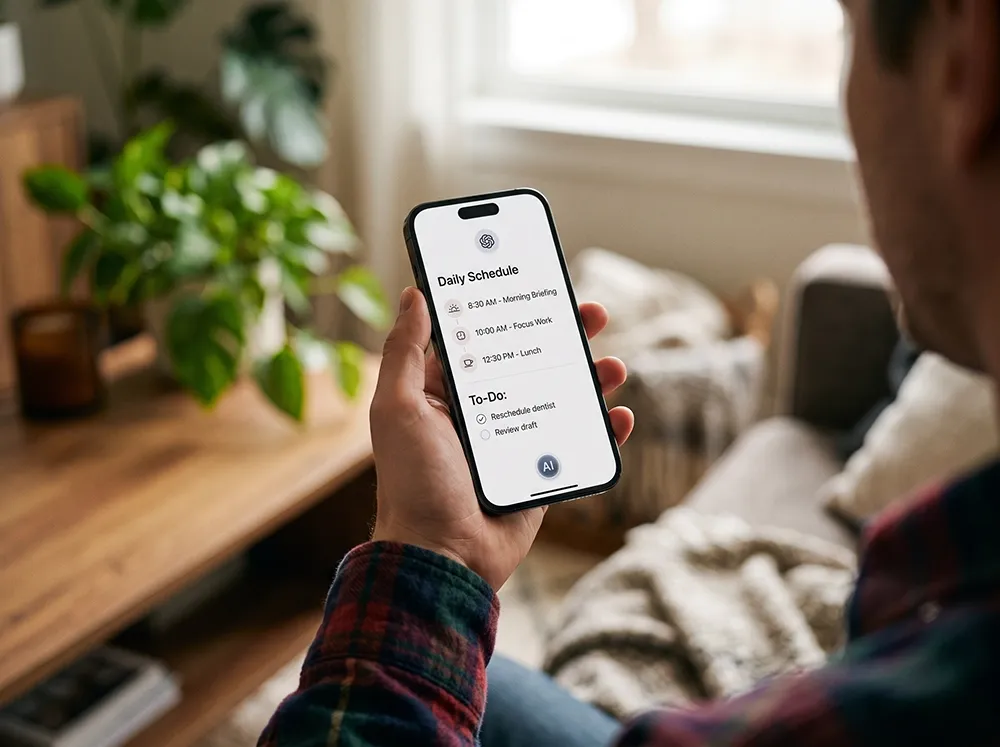
Choosing the right tool starts with identifying what makes your day difficult, rather than collecting more apps. If you're asking which AI is best for making a daily routine, consider where you need the most help. Reclaim AI is useful for managing calendar conflicts, Goblin Tools helps break down tasks that feel overwhelming, and NotebookLM organizes information from documents and research.
You don't need every tool to build a more organized routine. Choose one based on your main challenge, try it with a real task, and evaluate whether it saves time or reduces mental effort. If a simple checklist or calendar already works well, there's no reason to add another app. The goal is to make everyday planning easier, not create another system to maintain.
How to Build a Simple Daily Planning System With AI
AI productivity tools work best when they support a simple routine rather than create extra work. Start with three steps: capture incoming thoughts, break complex tasks into smaller actions, and reserve realistic time for important work. You can build this system with one general-purpose assistant and a dedicated planning tool, or begin with just one app and add another only when a clear need arises.
Step 1: Capture and Triage Incoming Thoughts
Capture tasks, reminders, and ideas as soon as they come to mind instead of trying to remember everything. Use a notes app, voice memo, or tool such as Voicenotes to collect them throughout the day. Later, use an AI assistant to group related items, identify priorities, and separate urgent responsibilities from ideas that can wait. Free AI tools may be enough for this first step, so start with what you already have.
Step 2: Deconstruct Complex Tasks Into Micro-Steps
Large, vague tasks often make it difficult to get started. Instead of searching endlessly for the most popular AI apps, focus on tools that turn intentions into clear actions. For example, Goblin Tools can break a task such as preparing household documents into smaller steps. Review the suggestions, adjust them to your situation, and choose one action you can complete in the next ten minutes.
Step 3: Block Realistic Focus Windows and Review Daily
A task list becomes more useful when it reflects the time you actually have. Reserve focus periods in your calendar, leave buffers between appointments, and spend five minutes each evening reviewing the next day's priorities. If your work involves presenting ideas, a tool such as Napkin AI can help turn text into visuals. For research, an AI search tool may help locate useful sources, but verify important information before relying on it.
Privacy, Limitations, and What to Check Before Choosing
AI assistants can make mistakes, misunderstand instructions, or suggest unrealistic schedules. Treat their output as a starting point, not a final decision—especially when dates, financial details, or important commitments are involved. Before choosing a tool, check its integrations, free-plan limits, data retention policy, and available privacy controls. Features and subscription terms can change, so confirm the current details on the provider's official website.
Be careful when connecting email accounts, calendars, or personal documents. Avoid entering banking passwords, identity documents, or confidential information into prompts unless you fully understand how the service handles that data. A recognized [AI risk management framework] can provide useful context for evaluating responsible AI practices, but it does not guarantee that an individual tool is safe. Use only the permissions you need and review them regularly.
Conclusion
The best AI personal assistant is not the one with the most features, but the one that makes everyday life easier. Combined with a simple daily planner and practical AI productivity tools, it can help you organize responsibilities, reduce mental clutter, and focus on what matters. Still, lasting progress comes from consistent habits, not perfect software. Start small, keep your system simple, and remember Lifvero’s philosophy: Organize Life. Simply.
Was this article helpful?
Next Article
What Is a 401(k) and How Much Should I Contribute to It? (The Complete 2026 Guide)
Comments(0)
Be the first to leave a comment.